Information about PokerStars new fast poker game format, available to play now.
Zoom is the fast ring game poker format where your opponents change each and every hand you play. This is because you are competing against a pool of players instead of a fixed group on a single table. It’s the fastest poker game experience anywhere online, and you can try it now.
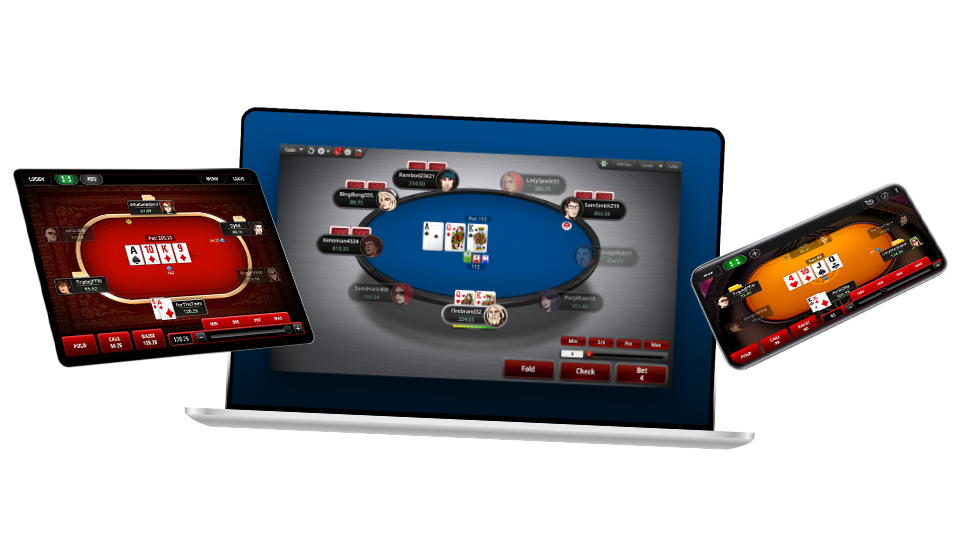
Zoom is available to play now. Download the free PokerStars software if you haven’t already done so, and you’ll be ready to play in minutes. In the meantime, here’s Team PokerStars Pro Daniel Negreanu to show you more about how to play Zoom:
Select the stakes and game you want to play in the Zoom lobby. Next, click ‘Join Game’.

You will then be asked to select your buy-in and the amount of tables you want to play. Don’t forget that Zoom games are much faster than regular ring game tables, so it’s recommended that you start by playing just one table at a time. You can then start playing more Zoom tables as soon as you feel comfortable.
Once you click OK, you’ll be seated randomly among a group of players from the game you selected. The first hand you play will usually be from the big blind. For all subsequent hands, your position will be seated randomly.
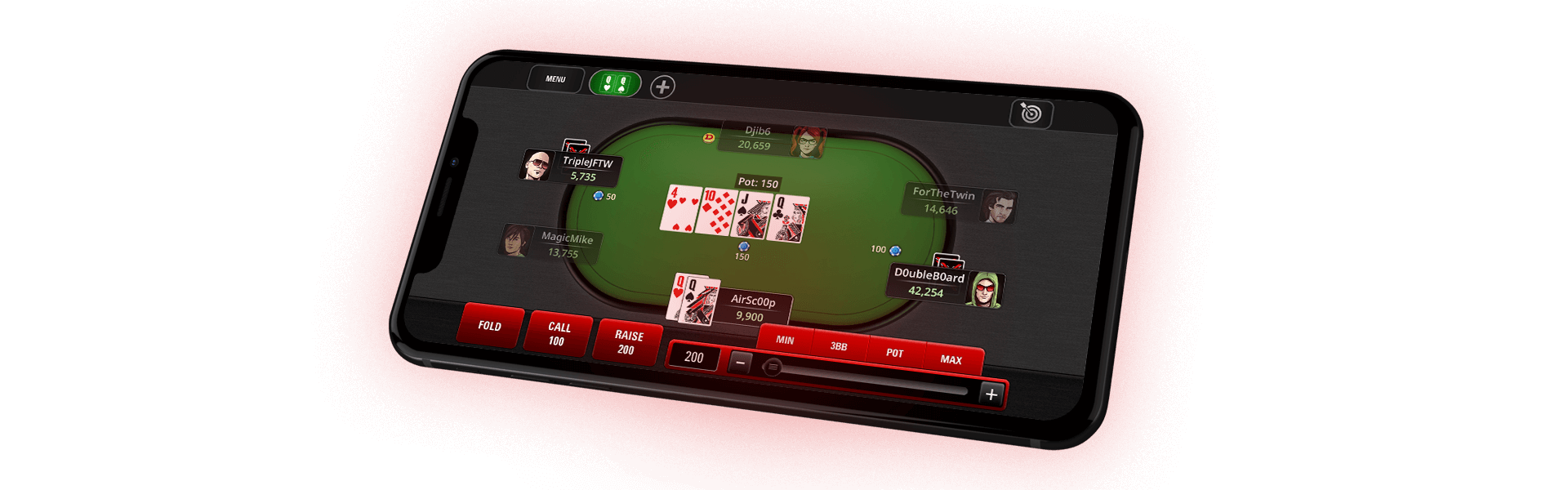
If you don’t want to play your hand, and providing you are not facing a bet (i.e. you have the option to check), you can use the ‘Fast Fold’ button to fold right away. If you clicked ‘Fast Fold’, or fold later in the hand, you will instantly be dealt into a new hand, with a new set of opponents.

All players are seated at random each hand. Blinds are determined by who amongst the players has been the big blind least often.
You can also watch the end of a hand by holding the CTRL key when you the click Fold button. If you use ‘Fast Fold’ however, you will be unable to remain on that table and watch the end of the hand (the ‘Fast Fold’ button is specifically there to move you quickly to another table).

There are also options available to try different Zoom table animations. You can find these by clicking ‘Options’ > ‘Table Display Options’ > ‘Zoom Animation’.
If you experience any issues while trying Zoom, of if you have any comments, please let us know. We are always looking for ways to improve your experience at PokerStars, so send your feedback to support@pokerstars.co.uk.
Make your first real money deposit and start playing at PokerStars. Deposits are fast and secure.